
Extract chemical structures from PDFs with ChemExtractor

Turn chemical drawings in PDFs into structures you can check and export.
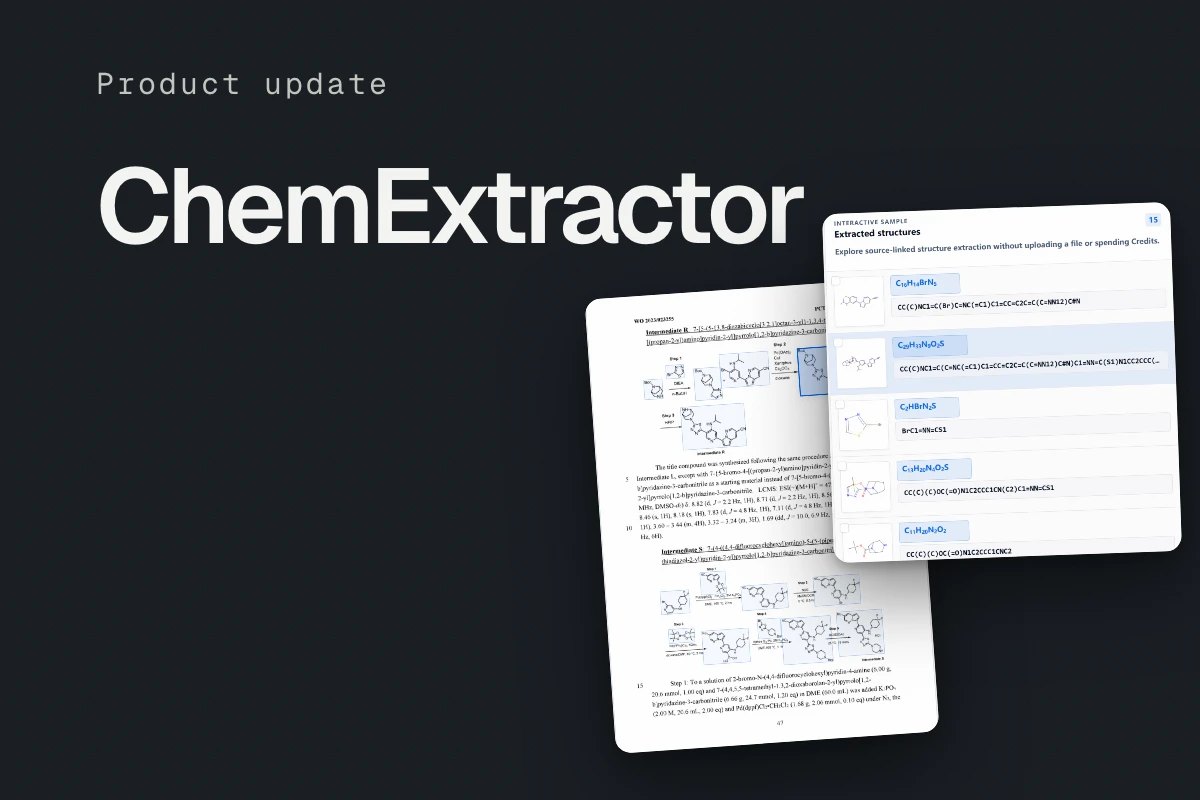
What's new

  • Upload a single PDF or image, or a batch of PDF and image files, and ChemExtractor looks for chemical structures on each page.
  • Click an extracted structure to jump to the region of the source page it came from.
  • Export everything as one All package with an offline reader, or pick SDF, SMILES, CSV, or PNG.

ChemExtractor turns chemical drawings in PDFs and images into structures you can review and export. Each structure stays tied to the page and region it came from, so you can check it against the original drawing before you use it. It is built for medicinal chemists, cheminformatics teams, and patent analysts who would otherwise redraw structures by hand.

What the sample shows

The ChemExtractor sample page shows the structures recognized on one page of WO2023023255A1. You can view it without uploading a file or signing in: select a structure, see where it sits on the page, and copy its SMILES. Exporting results requires a Patsnap Eureka account.
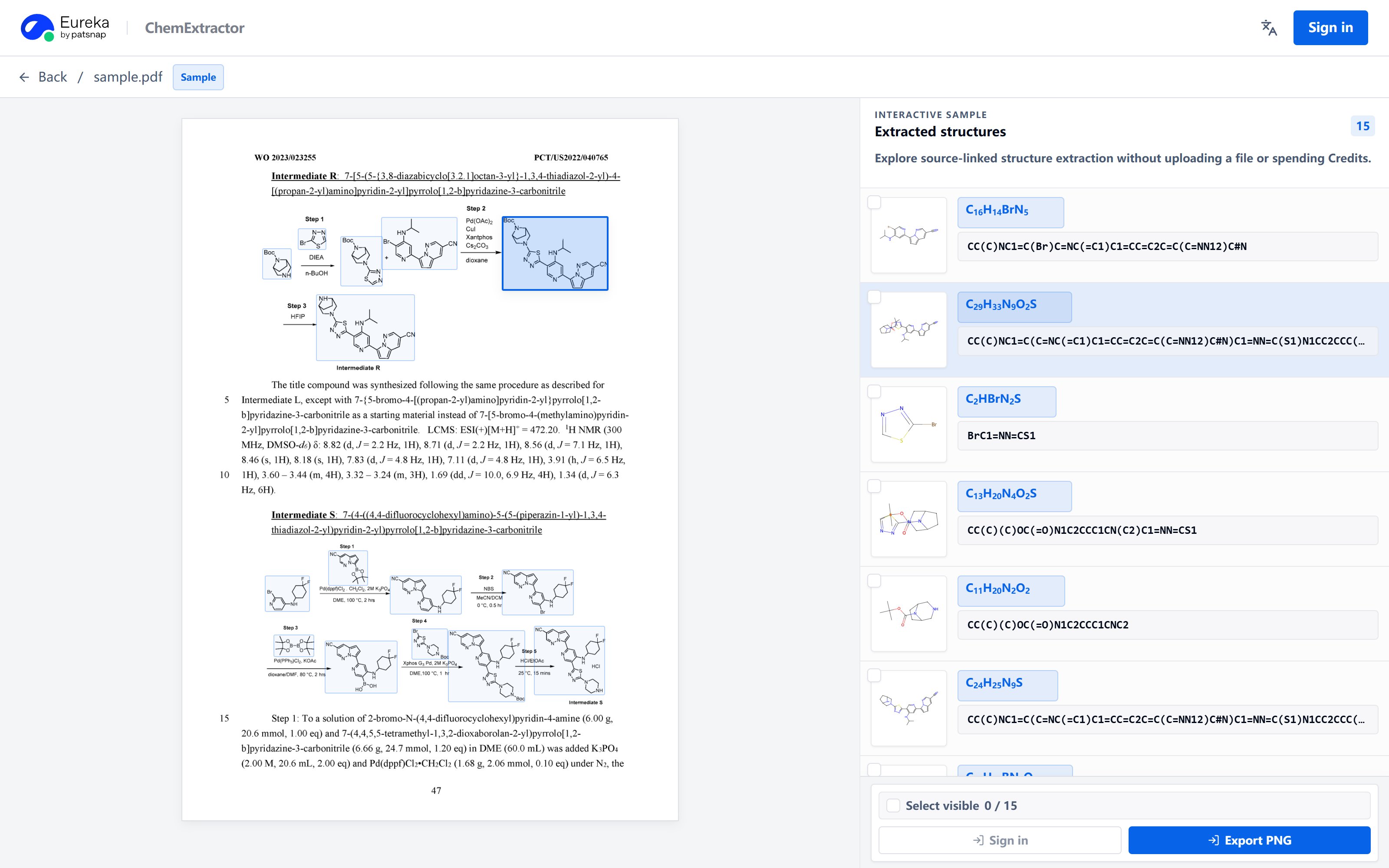
ChemExtractor sample page: a patent page with recognized structures highlighted on the left, and extracted structure cards with formulas and SMILES on the right

For each structure it recognizes, ChemExtractor gives you a rendered structure, the molecular formula, SMILES, and normalized identifiers such as the InChIKey, which make extracted compounds easier to deduplicate and search.

From sample to your own files

  1. Upload. Add one PDF or image, or a batch of PDF, PNG, JPG, or JPEG files from your workspace.
  2. Extract. ChemExtractor returns the structures it recognizes and normalizes their chemistry identifiers.
  3. Review. Click a structure card to jump to its source region and compare it with the original drawing.
  4. Export. Download everything as one package, or save the structures you want to keep into your Library.

In our October walkthrough, a structure card could also open a PubChem search for the structure's SMILES, and fragments such as scaffolds and substituents were listed apart from complete compounds.

Export and share

For a PDF upload, the All export bundles what a reviewer needs into one zip file:

  • the source PDF
  • a large PNG image of each structure
  • a CSV review table
  • an SDF file and a SMILES list for downstream analysis
  • reader.html, an offline reader that opens the document and lets you navigate its structures by source location, without ChemExtractor

The offline reader lets a colleague without an account check your structures. You can also export individual formats: SDF, SMILES, CSV, or PNG.

Good to know

  • Inputs: PDF, PNG, JPG, and JPEG files, as single files or batch uploads.
  • Markush structures are not supported. ChemExtractor returns the specific structures drawn on the page.
  • Review is still yours. Structure recognition can misread a drawing. Each result keeps its page-level source so you can check it against the original before you rely on it.
  • Credits: ChemExtractor uses Patsnap Eureka credits, charged per structure extracted. New accounts start with free credits.

Continue exploring

See all

Product updates

Scheduled Tasks

Product updates

AI in Practice No. 01

Product updates · IP

Patsnap Eureka · Word Add-in