

Key takeaways
- Start with the feature breakdown in your FTO search, so each expanded term stays connected to a product concept.
- Use patent terminology and context to assess suggestions from the graph-assisted expansion process.
- Check the terms that actually reached the query, then review additions, earlier matches and noise.
Bring a technical product description. By the end, you will have reviewed its features, expanded terms and queries in Patsnap Eureka, with notes on what still needs evidence.
A copy-ready checklist is at the end.
1. Review the feature analysis returned for your description
A product brief gives you familiar component names, but reconstructing each component's role takes work. It is easy to miss a concept before the search even begins.
Patsnap Eureka turns your submitted technical description into a product-feature list. The workflow extracts product features, then identifies the technical concepts to expand while keeping their relationship to the feature and full description. The submitted description and its feature list are the product record carried into expansion. Review that record now: follow the expansion only for features you accept as faithful to your product. If a concept is missing here, adding synonyms to the remaining concepts does not fill that gap.
For this illustrative sensor-insertion example, start with:
A temporary component supports a sensor during insertion through the skin, then withdraws while the sensor remains in place.
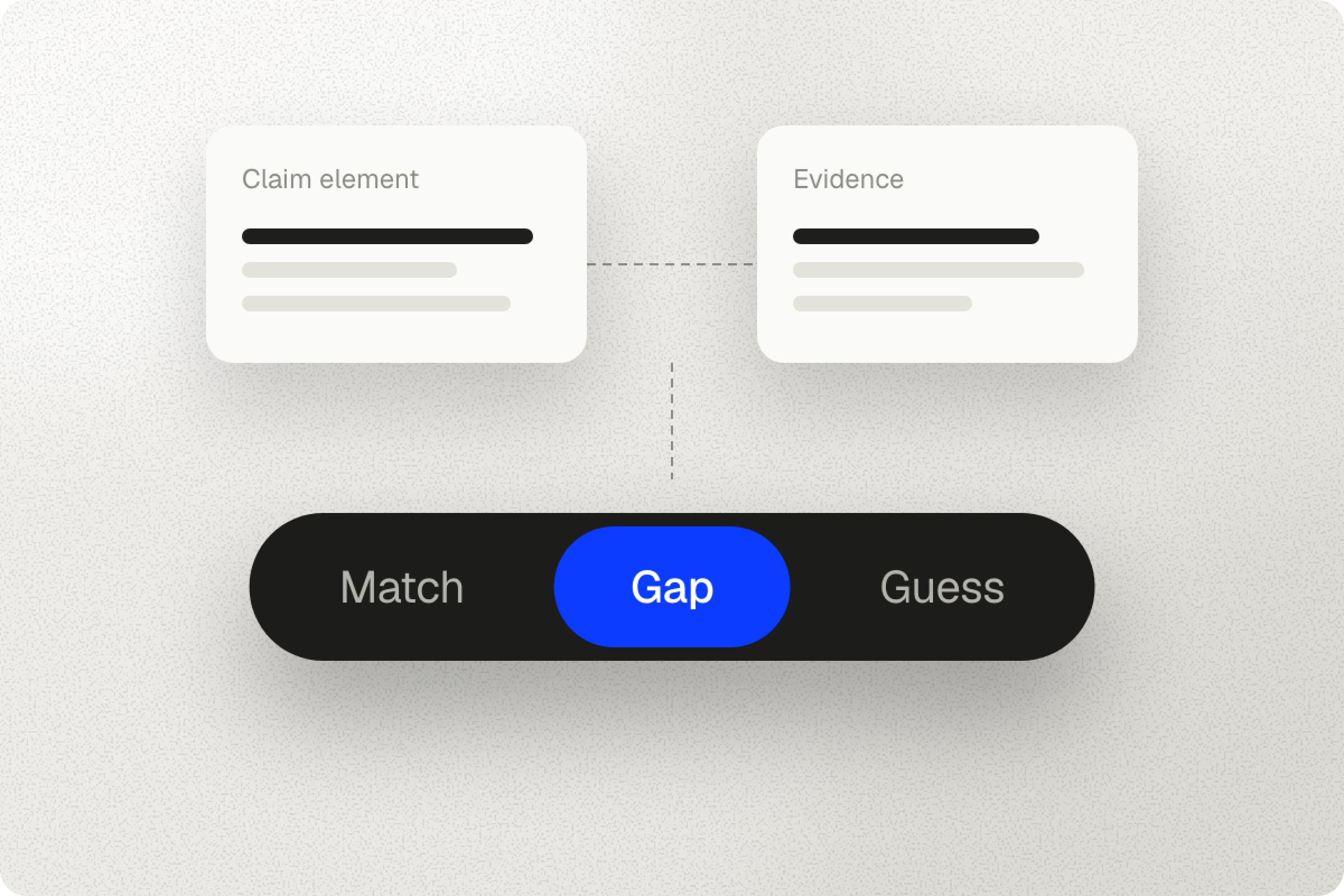
The distinction is grounded in EP2713879B1, claims 1–2 [1]: sharp names the component supporting the sensor, and the claims describe insertion followed by withdrawal while the sensor remains. WIPO webinar Q&A on its Guide on Identifying Inventions in the Public Domain [2] likewise starts keyword generation from the invention's key concepts and recommends learning terminology from relevant patent documents.
Your judgment: Confirm that the returned feature analysis reflects your actual product. A quotation from the product record is only as accurate as the submitted description. Keep the insertion-component feature as the reference for the next step, with unknown materials, connections and operating details recorded as questions for engineering. A mechanism described in a patent must not silently become a product fact.
2. Review the expanded terms beyond familiar names
Manually finding another field's vocabulary means reading claims, descriptions and figure labels across relevant patents. A synonym list can keep producing variations of the familiar phrase while missing a specialist name such as sharp.
Use that feature from your Patsnap Eureka result to review its expanded keywords. The graph-assisted process looks for synonym and narrower-term candidates in a patent-terminology graph. A support count records how many family-deduplicated patents in the selected International Patent Classification (IPC) corpus support a relationship.
Statistical ranking considers both support within that field and the share of the graph's evidence for the relationship that comes from the field. The model then checks the shortlist against the full technical description, the feature and the original concept.
These teaching examples from patents and saved technical cases show why that context matters. They are not customer success stories.
| Engineering wording | Patent expression | What you still need to check |
|---|---|---|
| Guide needle | sharp | Does it name the component with the relevant sensor-support and withdrawal role? |
| Rotating platform (回转平台) | 上车, the crane's upper structure | The expression may cover a larger assembly than the platform itself. |
| Nail gun (射钉枪) | Fastener driving tool (紧固件驱动工具) | Keep the power source and relevant component relationships in context. The saved baseline already contained the English expression, so this example does not demonstrate a new retrieval gain. |
For the saved guide needle → sharp relation, that count is 1. It describes support for the relation, not term frequency, new search hits or risk. A model-supplemented term may have no graph support count.
Your judgment: In your notes, link the feature to the returned expressions you accept or leave unresolved, then carry that record into the query review below. Check whether each names the same component, a narrower structure or another assembly. The graph has no direct broader-term lookup, so a broader-sounding output still needs a scope check. Its terminology corpus also does not replace the final market, date and status conditions for the FTO search.
3. Trace those expressions into your returned query
A manual searcher must turn possible names into concept groups. A useful candidate can still be lost before the query is run.
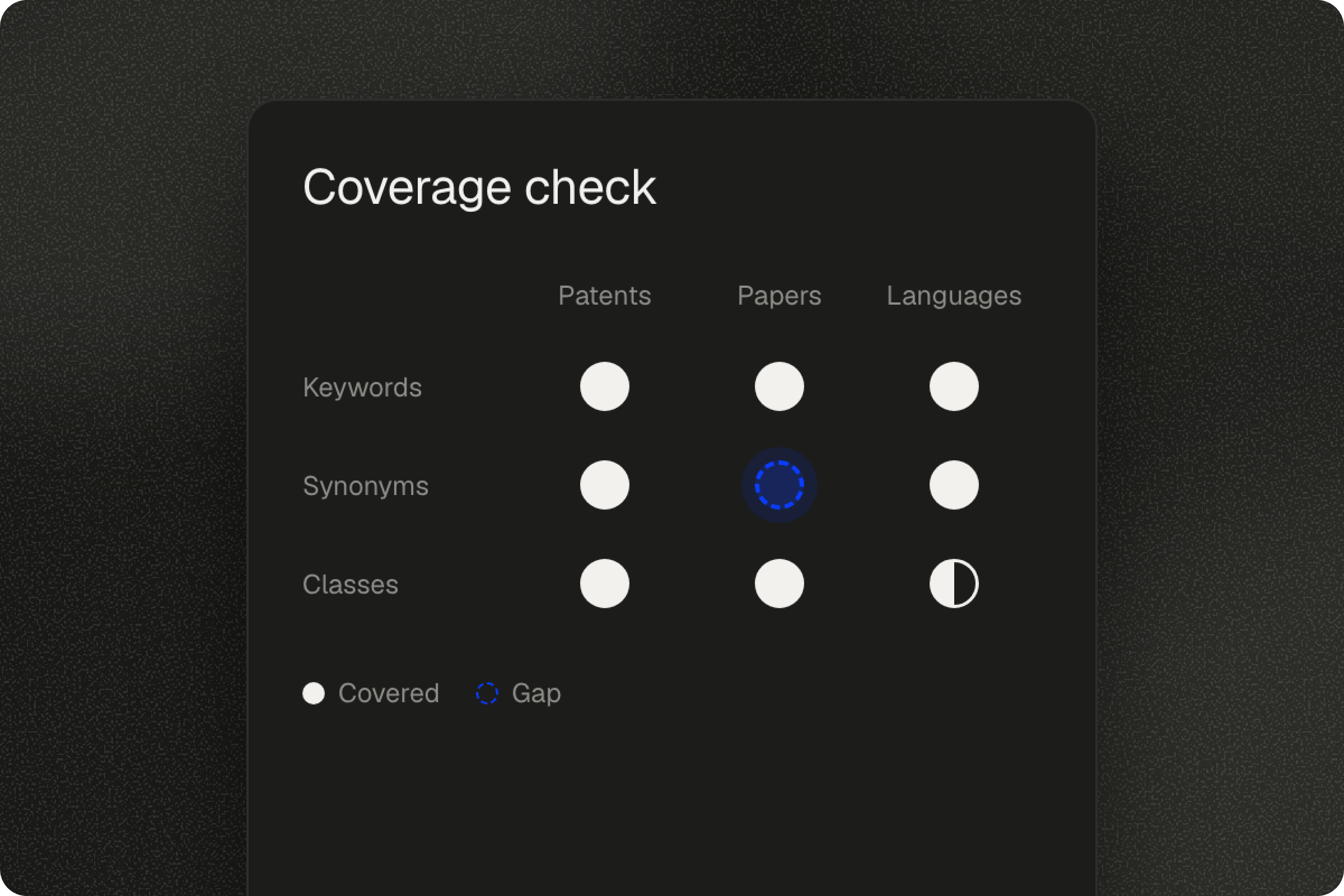
Inspect the keywords and combined queries behind your Patsnap Eureka result. The model's contextual screening can remove, reorder or supplement graph candidates, and the strategy then combines the selected expressions. Follow the insertion-component terms into the query rather than assuming every candidate was adopted.
The saved sensor case shows why this matters. In the AB17 offline comparison, the final term group did not retain sharp, despite the documented terminology relation. Its support count of 1 does not mean every run will select it.
In the actual query returned for that feature, check which expressions were used. If sharp is absent, record it as not used in this query; its graph support is not evidence that it was searched.
The following OR group illustrates how alternatives for one concept can be organized after review. It is not the saved AB17 query or a recorded output from this example:
("guide needle" OR "insertion needle" OR "introducer needle" OR stylet OR sharp)This is only the insertion-component group. The search strategy still needs the relevant sensor or applicator concepts and the appropriate fields and filters. Keep an assembly term such as applicator on a separate search route when it names a different object. Adding a narrower structural term to the query does not establish that your product has that structure.
Your judgment: Before relying on sharp, check what the component supports, how it connects to the applicator, when it withdraws and whether your product has those relationships. Link your accepted or unresolved expressions to the actual query in your review notes. Take that query and its returned candidates into step 4; a term marked not used remains a gap to address in a later strategy revision.
4. Review the candidates returned by that query
New matches can look like progress while earlier useful matches disappear. When several concepts change at once, it is hard to tell which revision caused the difference.
Patsnap Eureka uses the adopted terms to compose the retrieval strategy, then screens candidate references against the product context and search conditions. The candidate batch returned by that strategy is what you review here. Open those patents and check them against the feature record and the expressions you traced into the query in step 3; you are auditing this task's returned results, rather than starting an independent search.
Keep a copy of the query and your notes. If you later review a revised result, compare the two actual queries first. Treat it as a vocabulary-only comparison only if the change is limited to the term and the database, fields, filters and combination logic match. Otherwise, assess it as a strategy revision.
A saved offline evaluation compared a baseline with the graph-assisted workflow in 140 cases. Each case's known-answer recall is the share of its saved reference answers retrieved. The table averages those percentages, giving every case equal weight.
Both versions joined all concept groups within the same feature and language with AND. Language branches, feature aggregation and the other retrieval rules remained in place. This does not mean making every detail of an entire product a mandatory AND condition.
| Saved sample | Baseline | Graph-assisted workflow |
|---|---|---|
| All 140 cases | 62.83% | 67.03% |
| 40 FTO report and feedback cases | 38.50% | 51.46% |
Mean per-case known-answer recall in Patsnap's saved AB17 offline evaluation. The 40 FTO report and feedback cases are a subgroup of the 140 cases. Their increase of 12.95 percentage points is calculated from the unrounded means.
These results compare the workflows as a whole. Keyword extraction and expansion changed together, so the improvement cannot all be attributed to the graph. The searches were not run at exactly the same time. The figures measure recall against saved reference answers. They do not establish FTO accuracy, complete database coverage or the performance of every current production run.
Your judgment: Across all 140 cases in that saved evaluation, 19 had fewer known-answer hits. Check both what the returned candidate set adds and whether earlier useful hits are still there. Assess technical relevance and any known references in this batch. If you also have a revised run, use your query comparison to inspect:
- Relevant additions. Open new documents and check whether the expression names the intended object and role. More matches alone do not show improvement.
- Earlier useful matches. Under otherwise unchanged Boolean conditions, adding an OR alternative should retain earlier matches. If they disappear from the displayed list, check other query changes, ranking and result limits.
- Noise and known references. Check unrelated uses and test known relevant documents. Finding the patent that supplied sharp checks that vocabulary change; use other relevant documents where possible to test beyond that example.
Keep the query and your review notes for the next iteration. Search completeness is a goal, not a guarantee. Finding the name is a starting point for analysis. Claim scope, legal status and the implications for your product still require professional review in the relevant jurisdiction.
A keyword-expansion checklist to reuse
Copy these checks into your search notes for each concept you expand.
| Check | What to record |
|---|---|
| Component and role | The concept being searched, its function and the product relationships you have confirmed. |
| Patent wording | Candidate expressions, with patent numbers and passages showing what each one names. |
| Place in the query | A same-concept OR group, a narrower search route or a separate concept, with the query used. |
| Comparison scope | The original and revised queries, any changed conditions, additions, missing earlier matches or unrelated results. Mark a vocabulary-only comparison only when the other conditions match. |
| Known-document check | The relevant documents tested and whether the query retrieves them. Distinguish the patent that supplied the term from other checks. |
Sources
- EP2713879B1: Analyte sensor devices, connections, and methods; claims 1–2.
- WIPO webinar Q&A on its Guide on Identifying Inventions in the Public Domain.
- Patsnap, FTO keyword-expansion logic: documented graph-assisted workflow, terminology examples and the saved AB17 offline evaluation. The experiment describes the combined extraction-and-expansion scheme and does not establish complete coverage or current production performance.